3D sign mockups on your own storefront photo.
Design 3D lettering, turn your logo into 3D, or import a 3D model. See it lit on your photo.


- Before: bare fascia
- After: lit sign at night
- Drag the handle to compare
Three ways in. One lit sign.
Start from text, a logo or a 3D model. Each one ends in the same place: a lit sign on your photo.

Design your own
Type your text and pick a font. Set the size, spacing and depth, then choose the edge and trim cap.
- Size by cap height or by overall width
- Flat, chamfer or round edge
- Add a backplate and standoffs
- Painted, acrylic or metal finishes
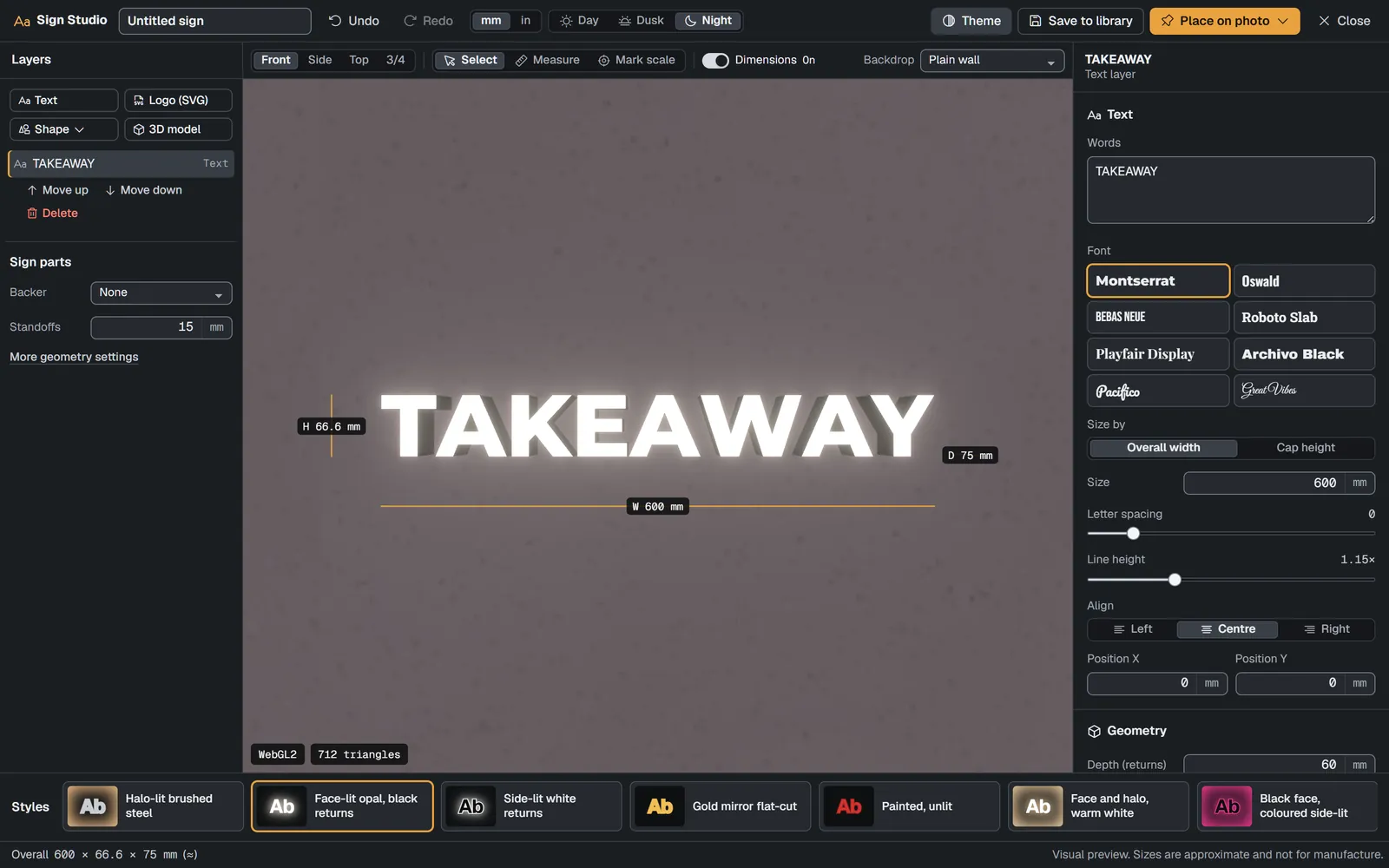
Turn your logo into 3D
Add an SVG of your logo. Holes inside letters and overlapping shapes are handled, and each fill colour becomes its own part.
- A clear list shows anything skipped, such as text, masks or gradients
- Set the real size, or mark scale on the logo
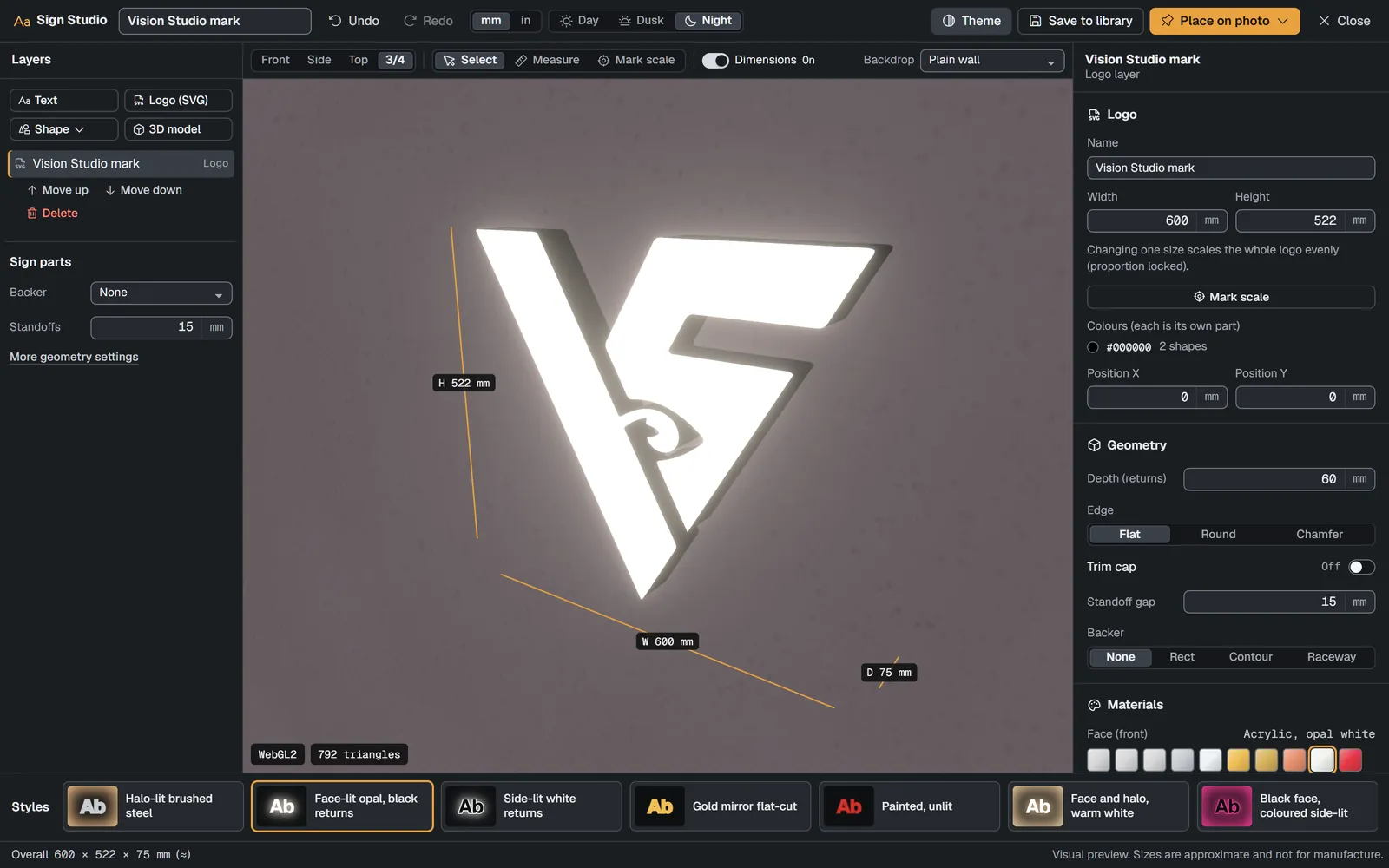
Import your own 3D model
Bring a GLB. It is checked and cleaned on the server before you place it.
- Set its size, or mark scale
- On a display model, pick the screen area
Draco, meshopt and KTX2 inputs supported.
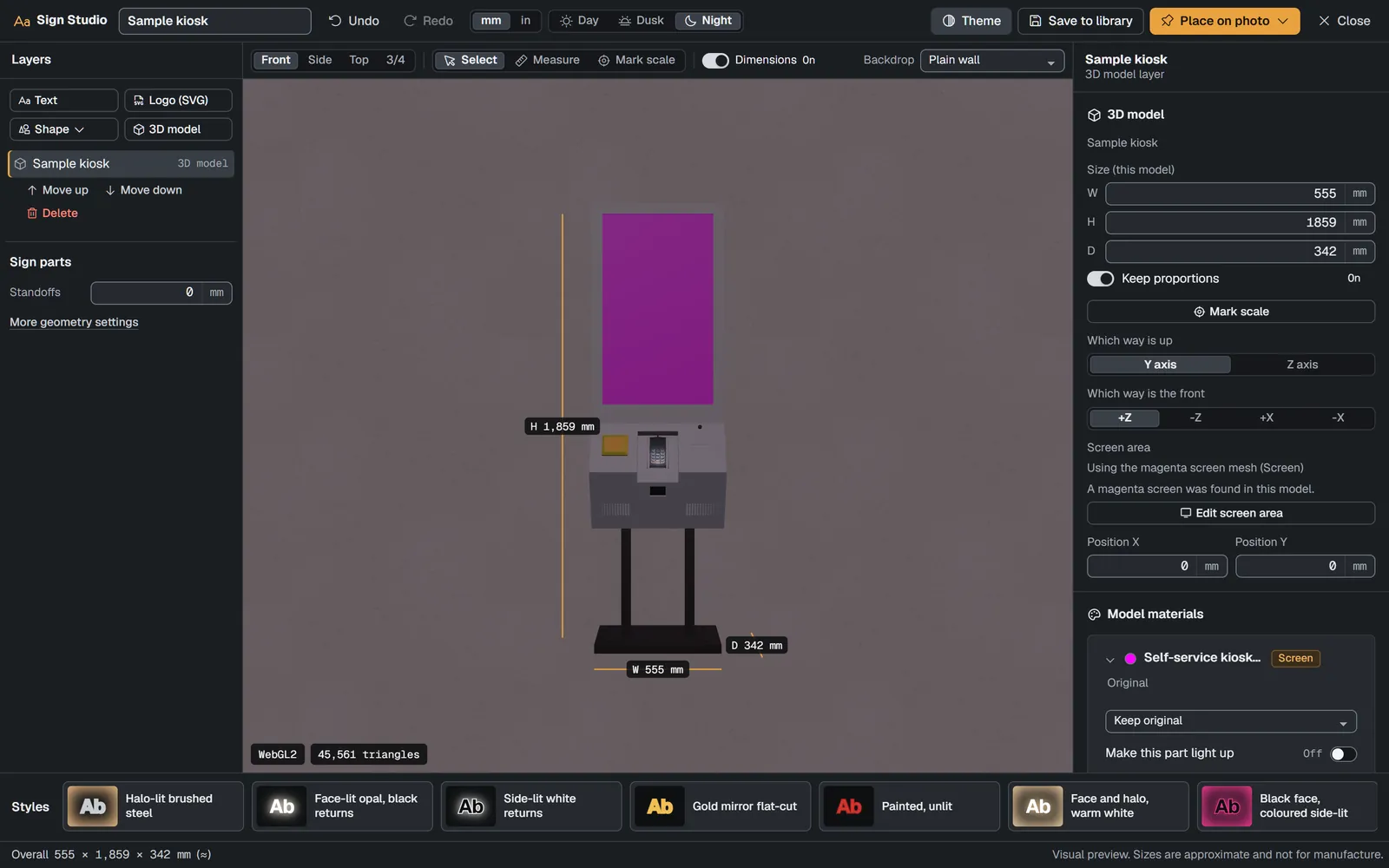


Screens shown may change.
Choose how it is lit.
Face-lit, side-lit, halo-lit or a mix. Pick the LED colour, set the brightness and the glow, then see it at night.
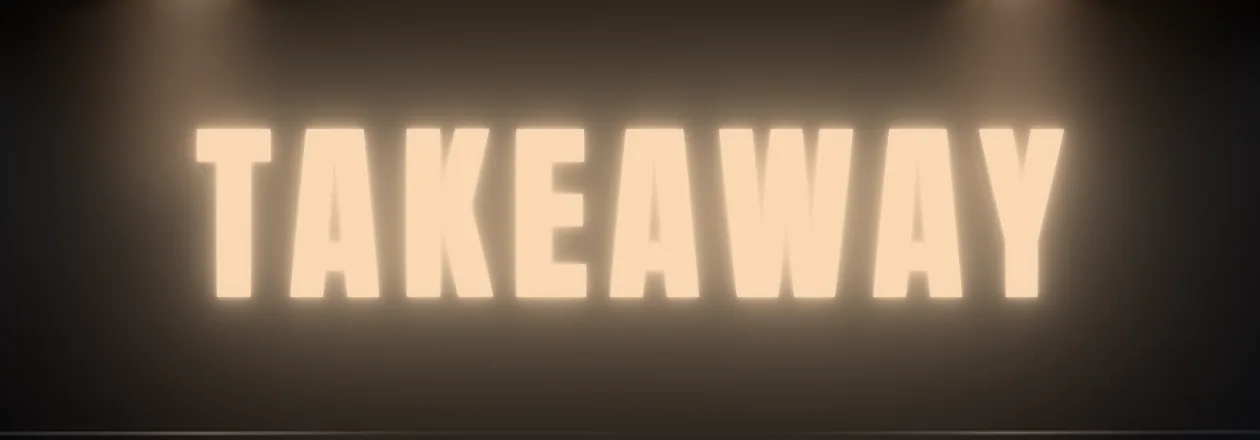
Face-lit. The light shines out through the front of each letter. 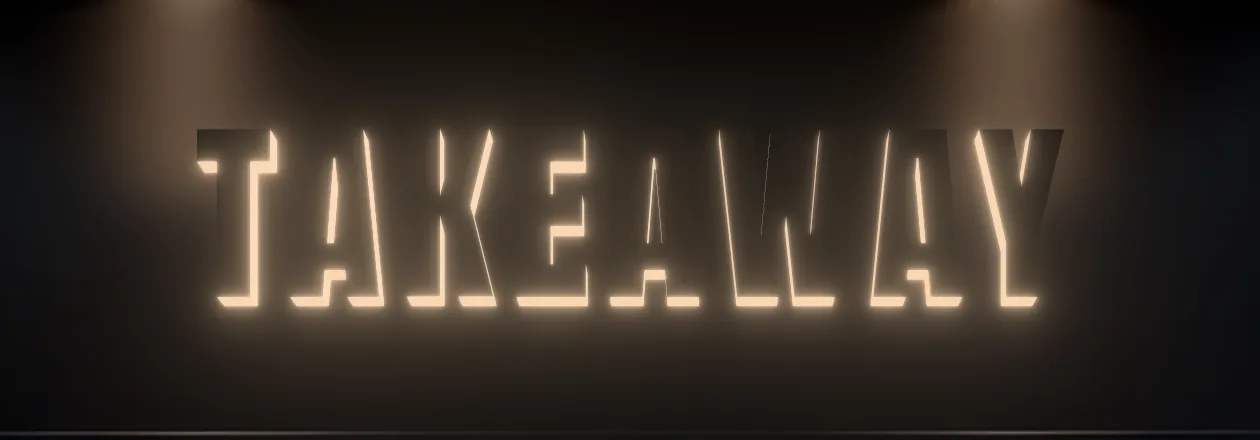
Side-lit. The light spills from the returns, the sides of each letter. 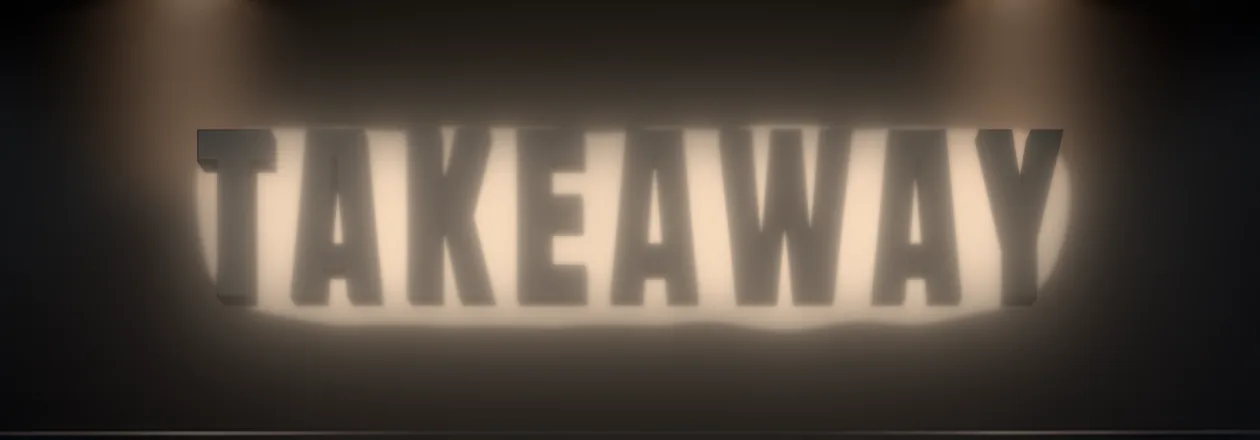
Halo-lit. A backlit glow on the wall behind the letters. 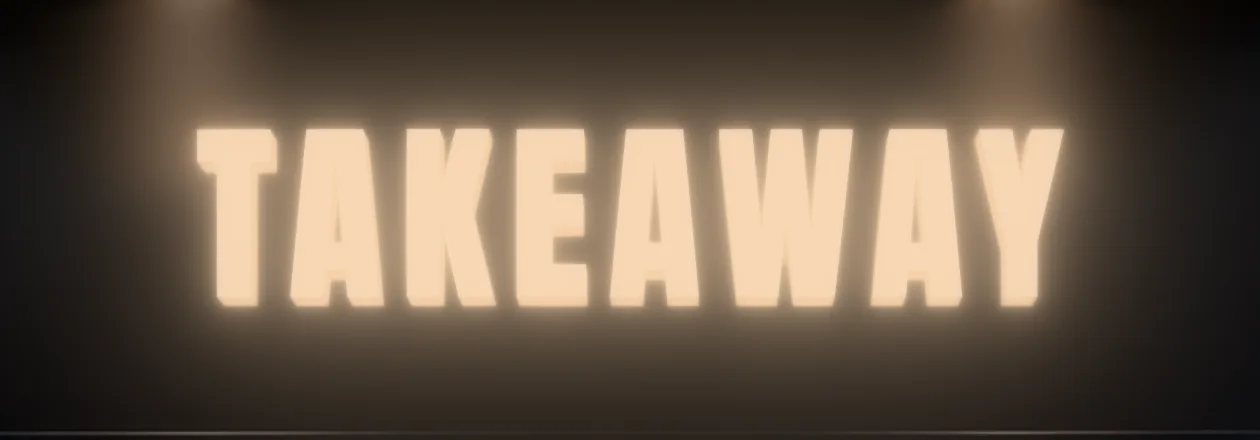
Combination. Face, side and halo lighting on the same sign.


Rendered in Vision Studio’s engine.
Set the light, then check the look.
- LED colour: warm, neutral or cool white, or any colour
- Brightness
- Glow
- Coloured acrylic glows its own colour. A white LED behind red acrylic glows red.
- Lit faces keep their colour at night instead of washing out to white.
- Metals reflect the street they sit in.
Pick a finish.
The full list: painted in matte, satin or gloss, opal or coloured acrylic, brushed steel, chrome, gold mirror, brass, copper, wood and matte black.
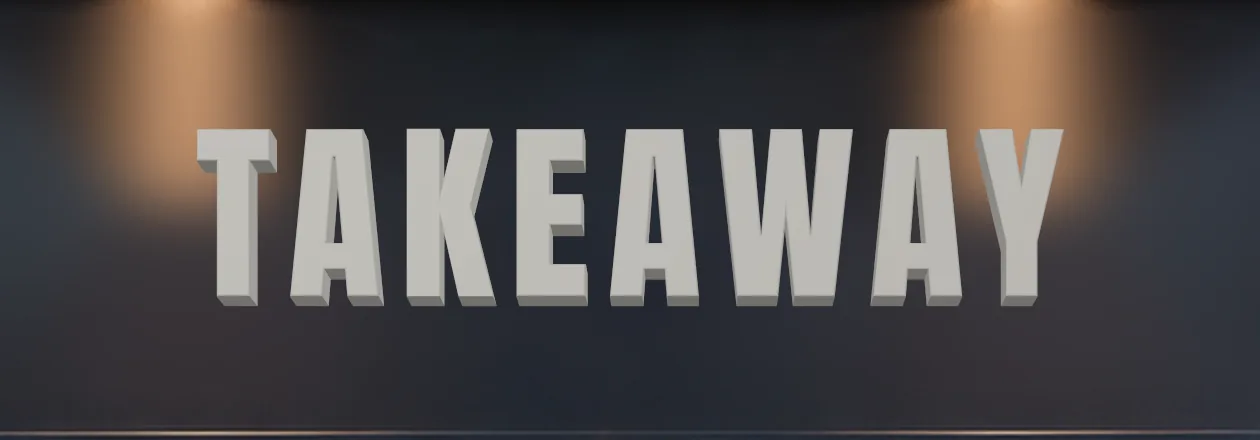
Painted 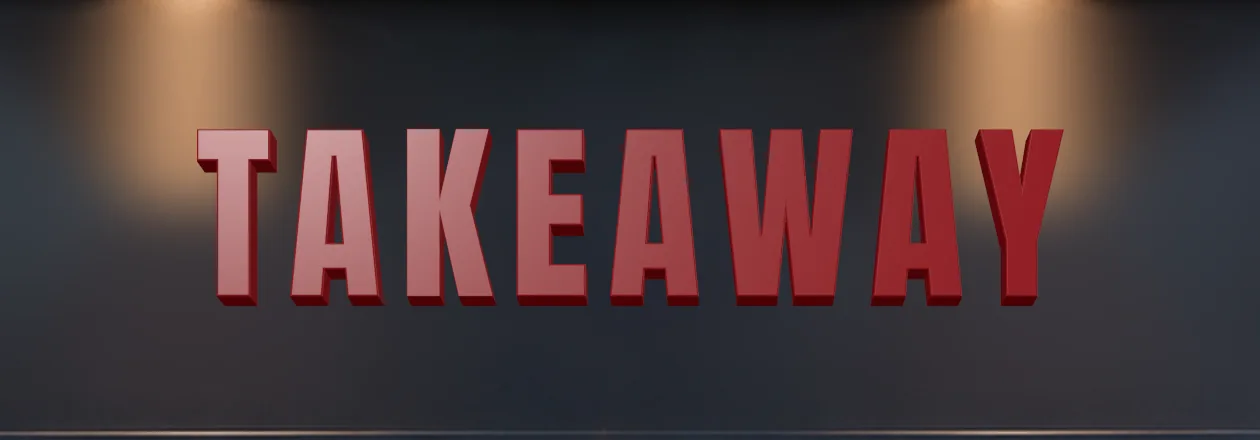
Painted, red 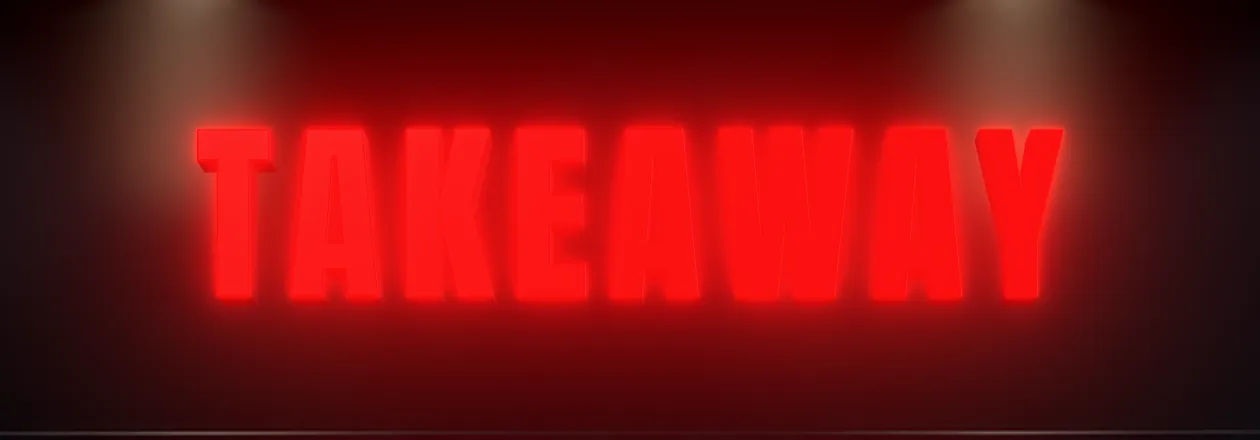
Acrylic, red 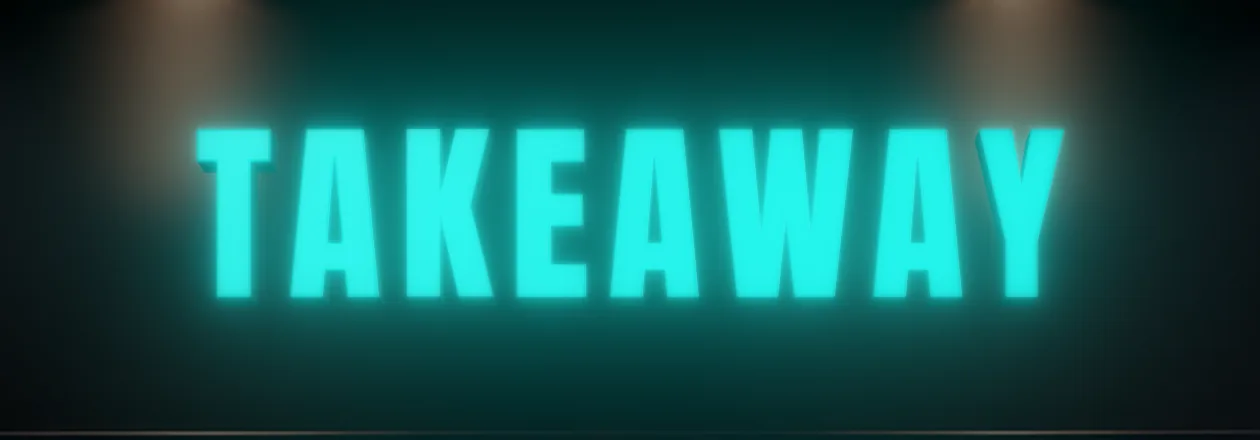
Acrylic, teal 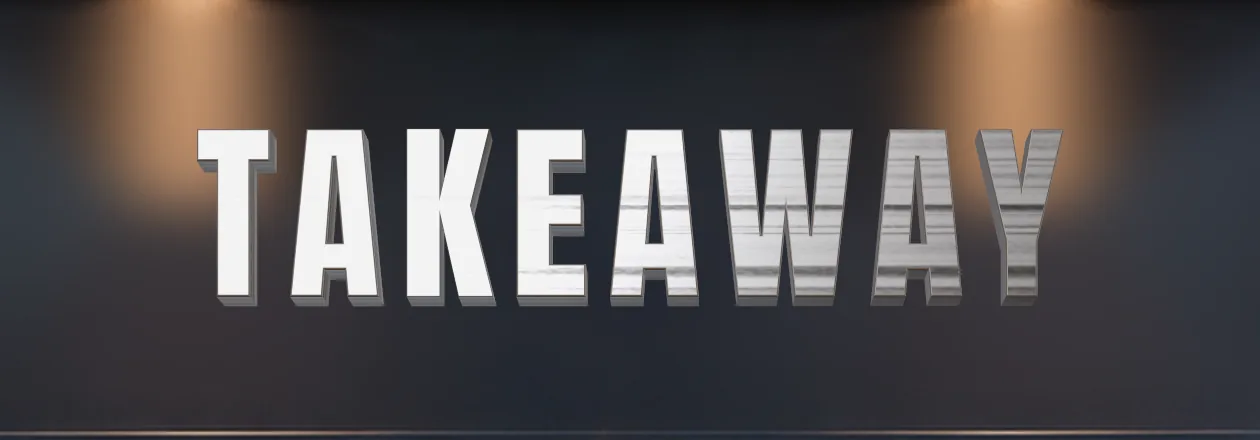
Brushed steel 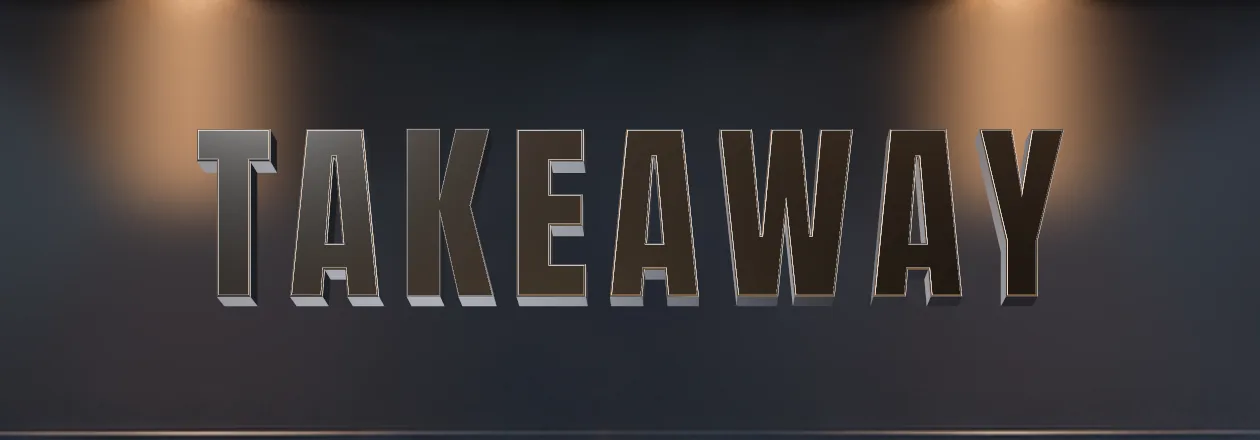
Chrome 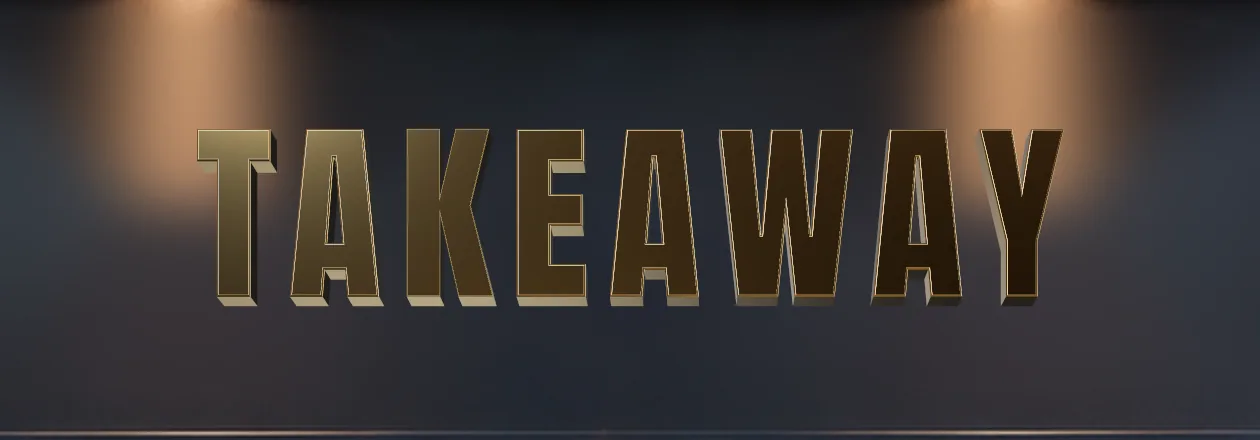
Gold 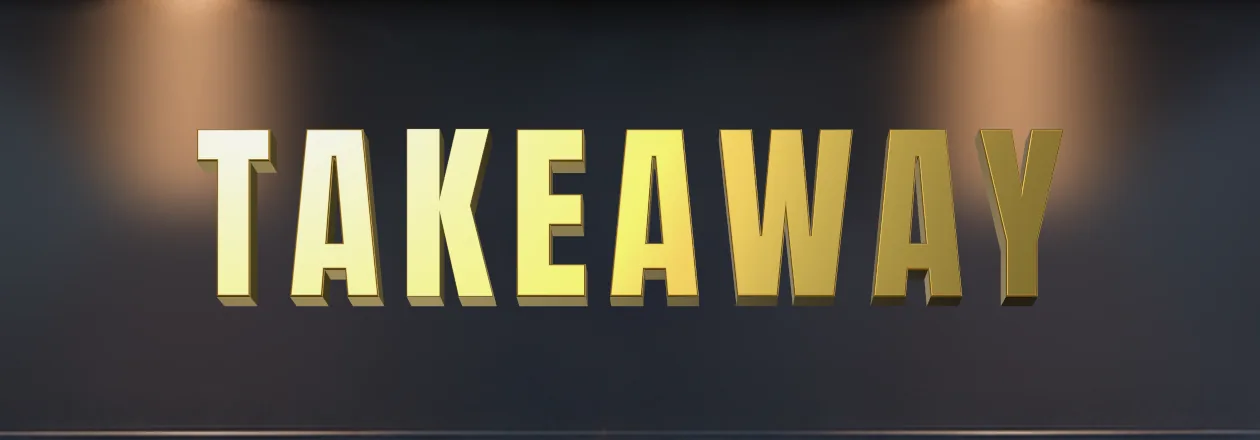
Brass 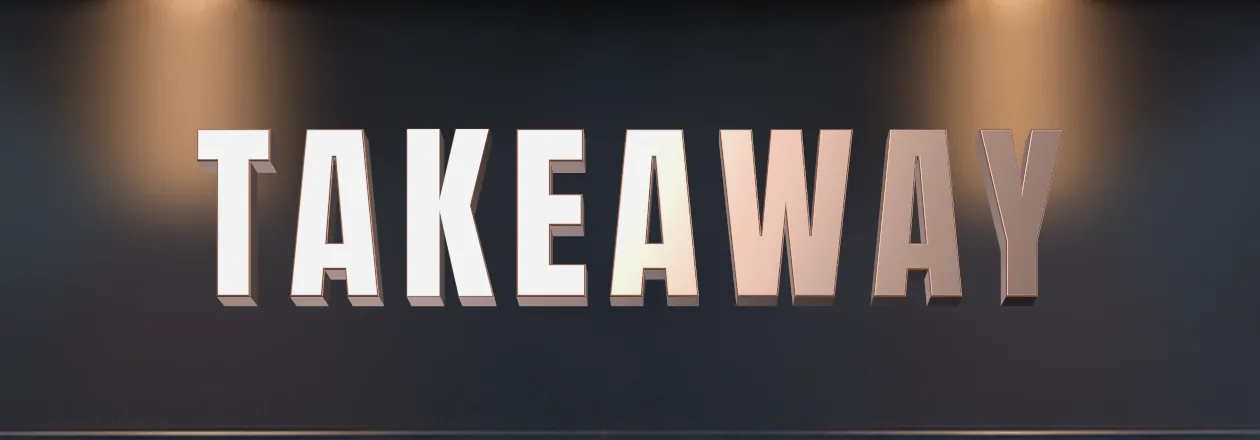
Copper 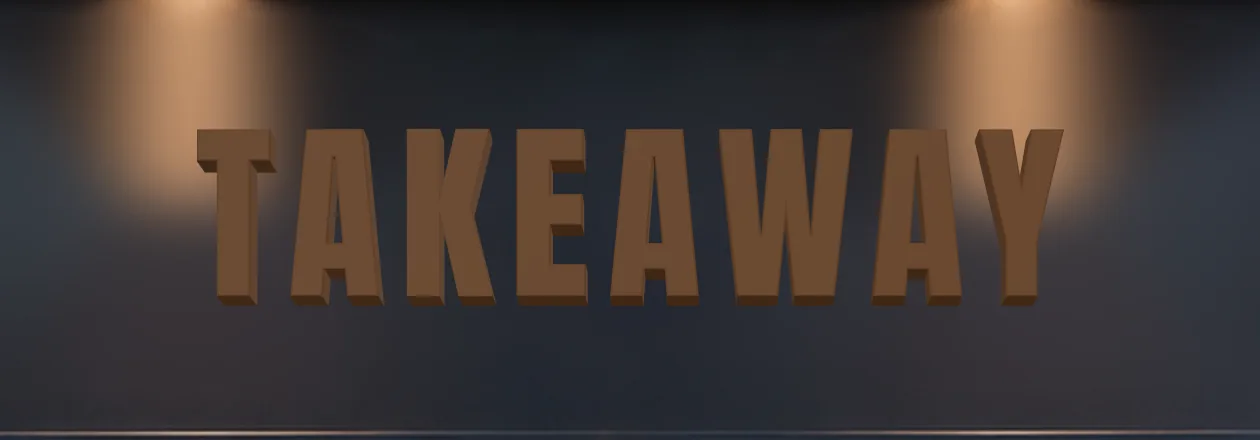
Wood


Rendered in Vision Studio’s engine.
Day, dusk and night.
Switch the time of day and the sign responds, so the client sees how it reads after dark.
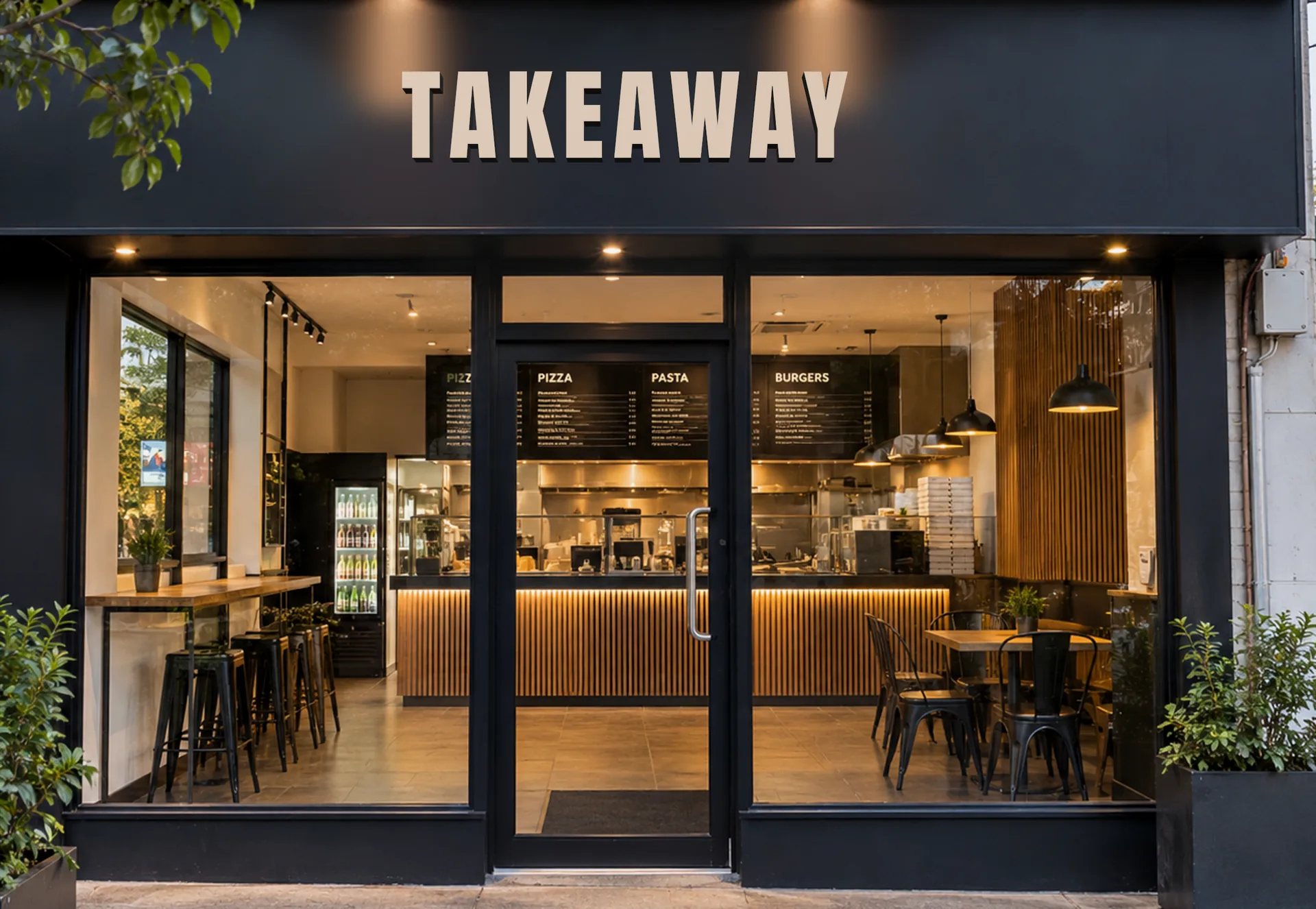
Day 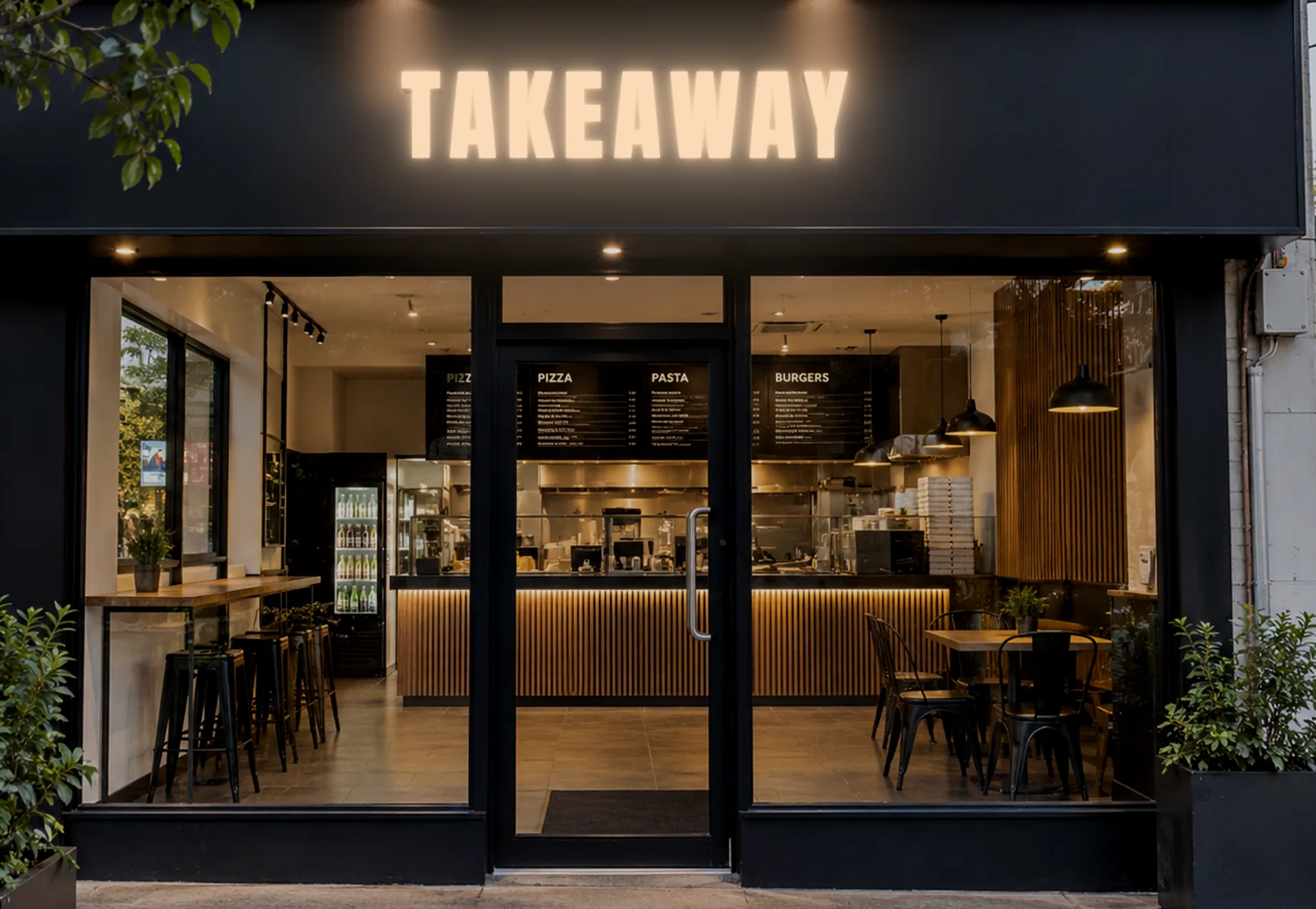
Dusk 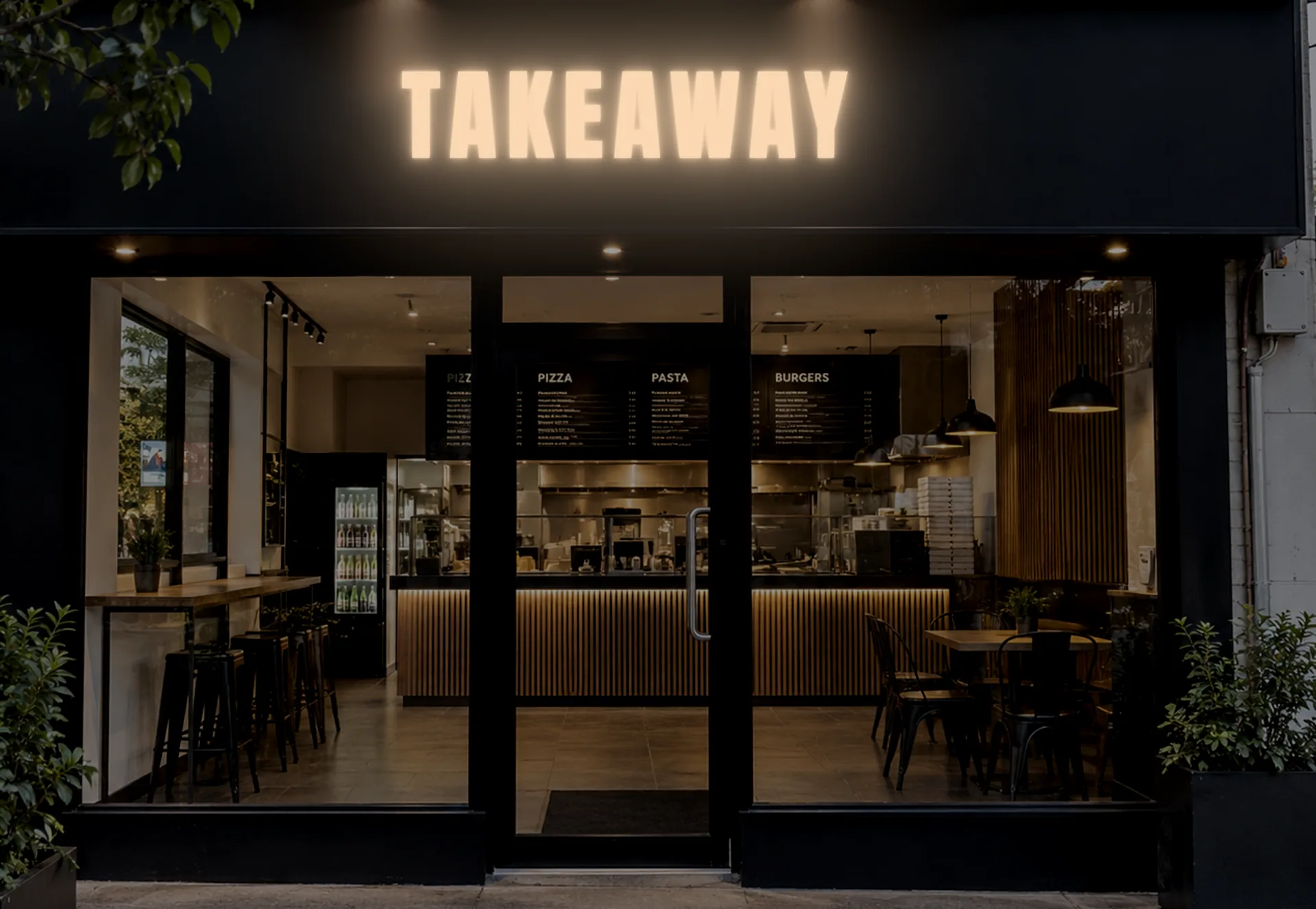
Night


Rendered in Vision Studio’s engine.

Place it, switch the light, share it.
- Place it with four free corners, the same handles as showcases, or put it inside a showcase.
- Switch day, dusk and night.
- Export stills and video.
- Share a link.
The export shows exactly what the editor showed.
What it is, and what it is not.
A visual preview
- A picture of the sign on your photo, for client sign-off.
- Lit, finished and rendered the same way in the editor and the export.
Not fabrication output
- No cut files.
- No LED layouts.
- Sizes are approximate and not for manufacture.
Available on selected plans.
Try it on your own photo.
Start with text, a logo or a 3D model and see your sign lit on your own storefront.
- 14 days
- No card required
- Pre-loaded examples